
AI-generated instrumentation engineering packages
Build instrumentation work packages in minutes.
Upload site photos, existing drawings, and a short scope. InstrumentPackage creates a coordinated first draft, answers questions about the package, and applies approved changes across every affected deliverable.
Early access: $1 USD/monthCustomer-owned dataCancel anytime
 InstrumentPackage
PROJECT
North Process Expansion
AIPackage Assistant
Change all Area 200 pressure transmitters to 316SS and update the package.
14 tags updatedDatasheets, BOM, cable schedule and instrument index synchronized.
Package readiness94%
P&ID RegisterReady
DatasheetsReady
Loop DrawingsReview
Move your mouse across the snapshot
The manual-work problem
A minor scope change should not trigger hours of package rework.
Instrumentation packages are often assembled from old drawings, site photos, Word scopes, PDFs, and redlines. Engineers then update P&IDs, datasheets, loop drawings, cabinet drawings, bills of material, and schedules one file at a time—creating delay, rework, and opportunities for inconsistency.
Why now
Modern generative AI can work with engineering context, identify relationships between documents, ask for missing information, and prepare coordinated changes—while engineers remain responsible for review and approval.
See the workflow →How to make an engineering work package
From photos and a short scope to a coordinated package—without rebuilding every document by hand.
Use the information your team already has, select the right customer profile, and let InstrumentPackage assemble the coordinated first draft. Engineers stay in control of every review, change, and approval.
Choose a customer profile
Load client standards, templates, plant areas, tag conventions, preferred documents, and approved materials in one click.
Add photos, drawings, and scope
Upload site photos, P&IDs, instrument lists, line data, process conditions, vendor information, and a concise description of what needs to change.
Generate and question the package
Create the first draft, ask questions about missing or conflicting information, and request coordinated edits in plain language.
Review and issue
Inspect every suggested change, complete QA checks, lock the revision, and export a package ready for senior engineering review.
AI package assistant
Ask your package a question. Make one change across every affected document.
Use natural language to locate missing data, understand package relationships, and prepare simultaneous document changes. The AI explains what it changed, and your engineering team decides what is approved.
Try a prompt
AI
Package AssistantNorth Process Expansion · Rev B
Controlled suggestion
Complete package creation
Create an entire instrumentation package from scratch in minutes.
Start with site information, a short scope, client standards, and structured project data. Generate coordinated documents, then update them together as the project changes.
- 01P&ID
- 02Datasheets
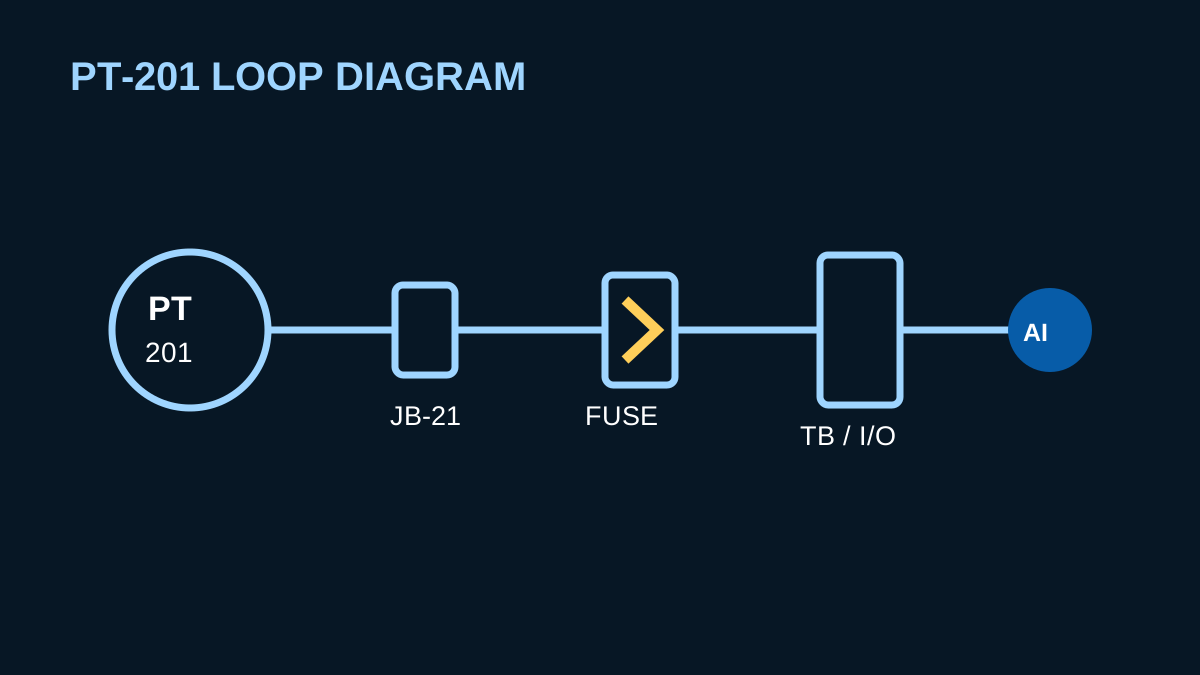
- 03Loop Drawings
- 04Cabinet Drawings
- 05Isometric Drawings
- 06Bill of Materials
- 07Cable Schedule
- 08Shutdown Keys
- +More upon request
BOM
LOOP
PT201
Instrumentation Work PackageNorth Process Expansion · Rev B
PT201
TT118
P&IDIssued for Review94% ready
Customer profiles
Switch clients and plant areas without rebuilding your workflow.
Save client standards, templates, naming conventions, preferred vendors, materials, and document sets. Select a profile and begin with the correct rules already applied.
Instrumentation CWP coverage
Build packages for the equipment your projects use.
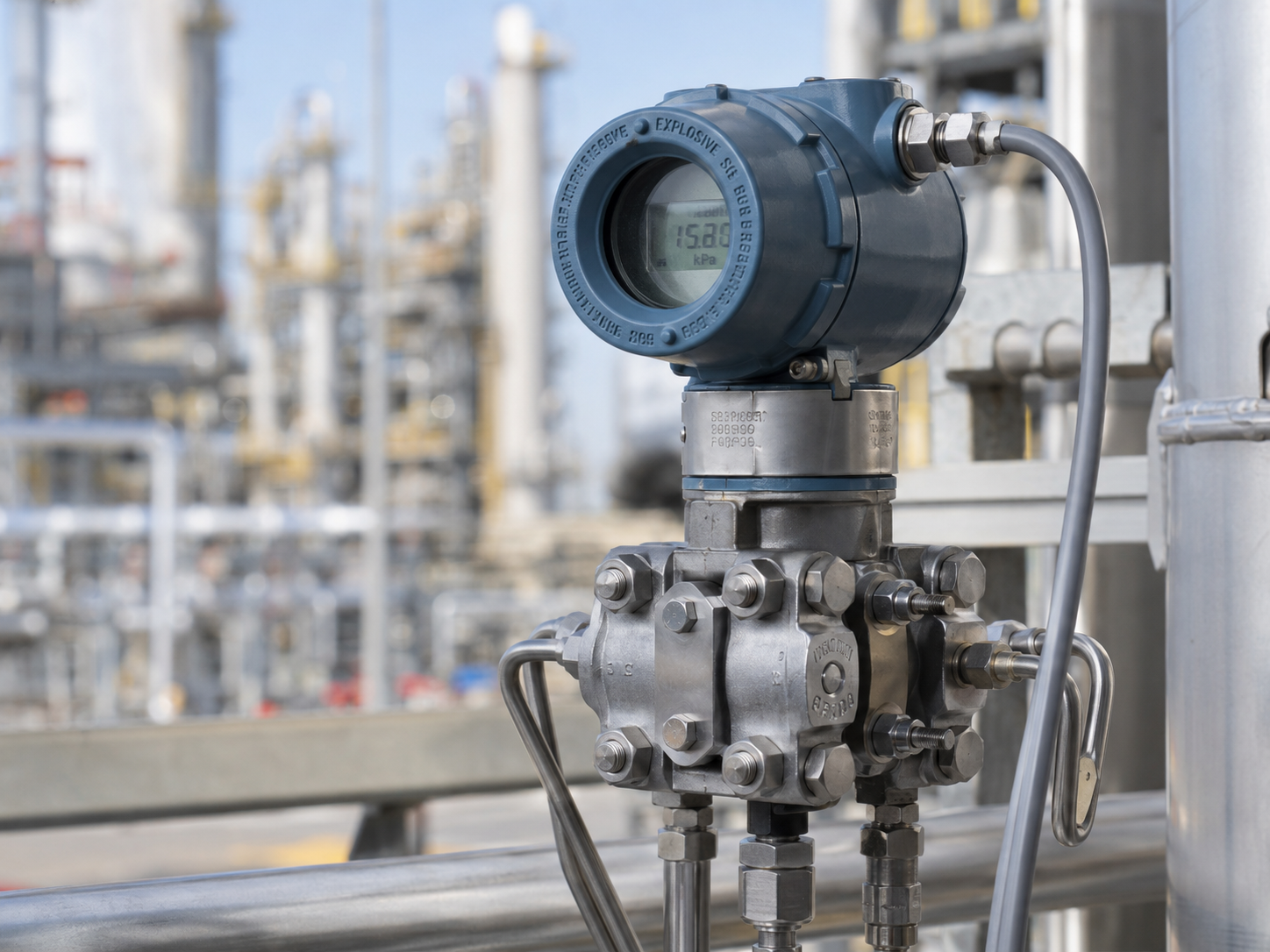
PressuresTemperaturesGaugesTransmittersDensityFlowValvesActuatorsMore upon request
Pressure instrumentation
Turn process requirements into complete pressure documentation.
Build pressure, differential pressure, level, and flow applications while keeping ranges, materials, manifolds, connections, alarms, and installation details synchronized.
Temperature instrumentation
Build temperature assemblies with fewer missed details.
Keep the transmitter, sensing element, thermowell, insertion length, materials, process connection, and signal requirements together in one structured workflow.
Target business impact
Replace repetitive package work with a controlled AI workflow.
The goal is to remove the time spent copying the same engineering change across disconnected files—so teams can deliver more packages with better consistency and spend more time on engineering judgement.
These are founder targets based on current manual package workflows and are intended to be validated through customer pilots.
Minutes to first draft
Create a coordinated starting package from photos, drawings, scope, and structured inputs instead of beginning with empty templates.
One change, everywhere
Update the affected datasheets, drawings, schedules, indexes, and BOM together instead of editing each file independently.
Ask instead of search
Use AI to answer package questions, identify missing data, trace relationships, and explain what changed.
Reuse client knowledge
Carry standards, templates, plant areas, naming conventions, and preferred materials forward through customer profiles.
Create oncefrom one controlled dataset
Change onceacross every affected deliverable
Review oncewith a traceable change history
Built first for instrument engineers
Designed for the people who live inside the package every day.
Built first for instrument engineers and engineers-in-training at EPC firms, then extended to senior reviewers, plant owners, system integrators, and equipment manufacturers.
Discuss your workflow →Instrument engineers & EITs
Reduce repetitive drafting and spend more time resolving engineering decisions, client questions, and field constraints.
EPC project teams
Standardize package execution across engineers, client profiles, plant areas, and concurrent projects.
Senior engineers & reviewers
Review coordinated changes, exceptions, missing data, and revision history instead of hunting through disconnected files.
Plant owners & integrators
Improve package consistency, handover quality, data ownership, and the reuse of site-specific engineering knowledge.
Pricing
Founding subscriber pricing during early access.
Lock in early access for $1 USD/month while we finalize the product. Team and enterprise plans arrive later — early subscribers keep priority access and input on the roadmap.
Pilot
30-day evaluation
Free
Validate your package workflow with one project and guided onboarding.
- 1 active project
- Core package workflow
- Sample templates
- Guided setup session
Limited launch offer
Early Access
Founding subscriber
$1USD / month · cancel anytime
Full access to the InstrumentPackage desktop app while we build toward launch — at founding-member pricing.
- Full desktop application (Windows)
- AI package assistant included
- License key delivered instantly by email
- All new features as they ship
- Cancel anytime — no commitment
Enterprise
For multi-office deployment
Custom
Deployment, controls, integrations, and support aligned with your organization.
- Custom user count
- SSO and role controls
- Template governance
- Integration support
- Dedicated onboarding
Payments are processed securely by Creem, our merchant of record. Prices in USD. Your license key arrives by email immediately after checkout.
Security & ownership
Your engineering data remains yours.
InstrumentPackage is being designed around customer ownership, project permissions, traceable AI suggestions, and human approval. Your organization controls what is uploaded, who can access it, what changes are accepted, and what becomes part of the issued package.
Customer-owned data
Your project data remains under your organization’s ownership and control.
Encrypted information
Protect project information in transit and at rest using modern encryption practices.
Role-based access
Control who can view, edit, review, approve, and export each project.
Traceable AI changes
Review suggested edits and maintain a clear history of package changes and approvals.
Security capabilities represent the planned product design and should be validated against the final deployed architecture before launch.
Sales & contact
Show us theInstrumentPackagework you want to eliminate.
Tell us how long a typical package takes, which documents are involved, and where manual editing or rework consumes the most engineering time.
Free pilot applications
Workflow and document review
Professional and enterprise pricing